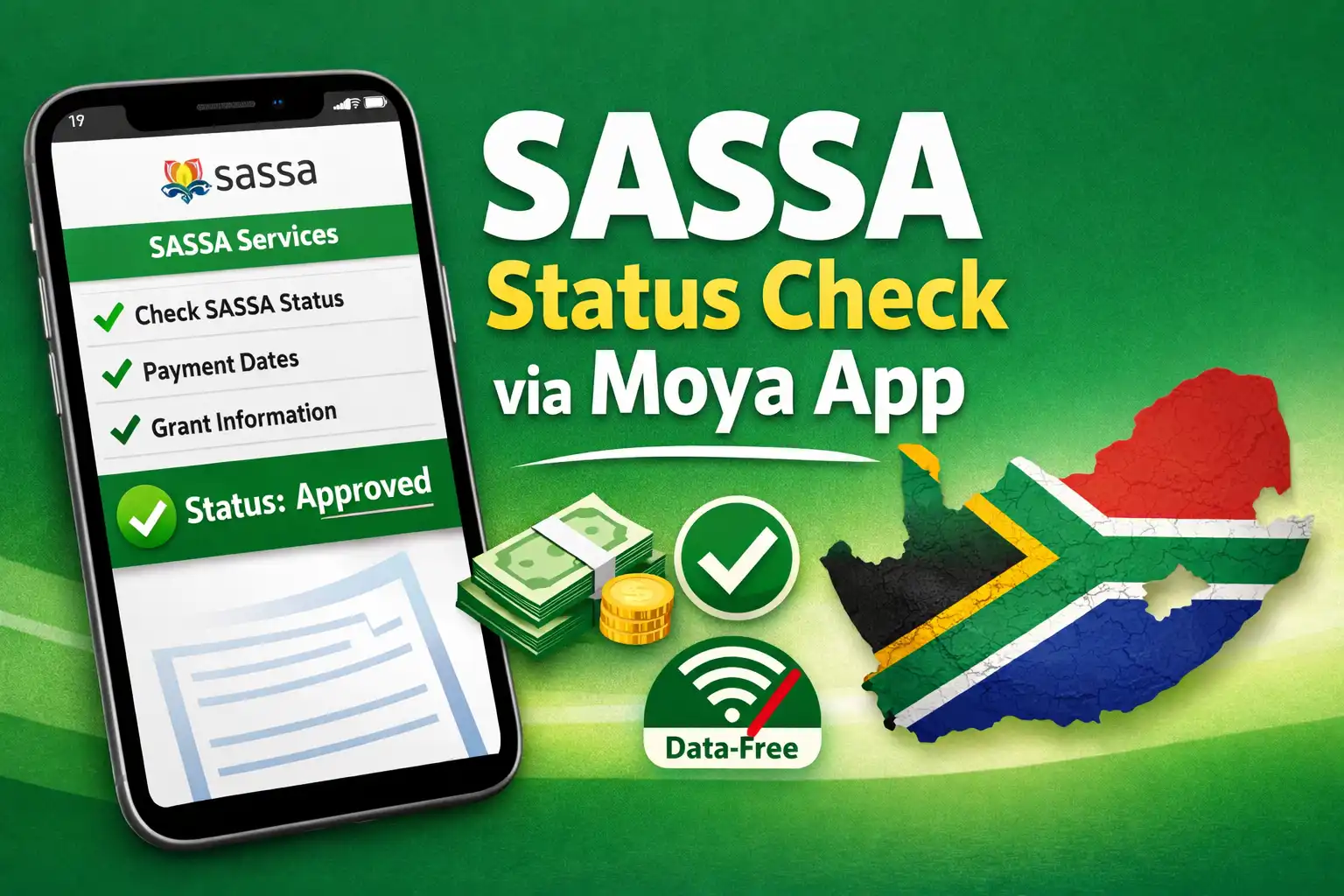
For many South Africans, staying updated on the status of their SASSA grants is essential. Whether you are receiving the Social Relief of Distress (SRD) R370 grant or other social grants, the Moya App offers a convenient way to track your SASSA status from your mobile device without data charges. This guide explains everything you need to know about tracking your SASSA status through the Moya App.
What is the Moya App
The Moya App is a zero-rated mobile application that allows South Africans to access essential services and information without using their mobile data. One of its most popular features is the ability to check SASSA grant status, including application updates, payment confirmations, and other related notifications.
Why Use Moya App for SASSA Status Check
Using the Moya App to check your SASSA status has several advantages:
- Zero data cost – You don’t need mobile data to access the app.
- Quick updates – Instant access to grant status updates.
- User-friendly interface – Simple navigation makes it easy for anyone to check their status.
- Reliable notifications – Receive timely alerts about grant approvals or rejections.
Step-by-Step Guide to Track Your Status
Follow these simple steps to check your SASSA status using the Moya App:
- Download the Moya App
- Visit your device’s app store (Google Play Store or Apple App Store).
- Search for Moya App and install it.
- Open the App and Register
- Launch the Moya App.
- Register using your mobile number. Make sure you use the same number linked to your SASSA application for accurate results.
- Access the SASSA Service
- On the app’s homepage, look for the SASSA status or Social Relief section.
- Tap on the option to proceed.
- Enter Your Details
- Provide your South African ID number or SASSA reference number.
- Ensure all information is correct to avoid errors.
- View Your SASSA Status
- The app will display the current status of your grant application.
- Status updates can include approved, rejected, pending, or awaiting verification.
- Receive Notifications
- Enable notifications to get instant updates on any changes to your SASSA grant status.
Common SASSA Status Updates You May See
When checking your SASSA status via the Moya App, you may encounter the following:
- Approved – Your application has been accepted, and your grant will be processed.
- Rejected – Your application did not meet SASSA requirements.
- Pending – Your application is still under review.
- Awaiting Verification – SASSA is verifying your personal information or documentation.
Tips for Using Moya App for SASSA Status
- Always use the mobile number linked to your SASSA application.
- Keep your personal details updated to prevent delays.
- Regularly check the app for notifications about your grant.
- If your status shows rejected, contact SASSA directly to clarify the reason.
The Moya App has simplified the process of checking your SASSA status. By following the steps above, South Africans can easily track their grant applications without worrying about data costs. Regularly checking your status ensures you stay informed about approvals, payments, or any required actions.
Using the Moya App is fast, reliable, and accessible, making it an essential tool for anyone relying on SASSA grants.
